
Creating your account
Register with your full name, email address, and a password (you can also add a short bio). After registering, you’ll receive a verification email — click the link in it to verify your address, then sign in. Depending on how your organization is set up, you may also be able to sign in with Google, GitHub, or your organization’s single sign-on. See Roles & access.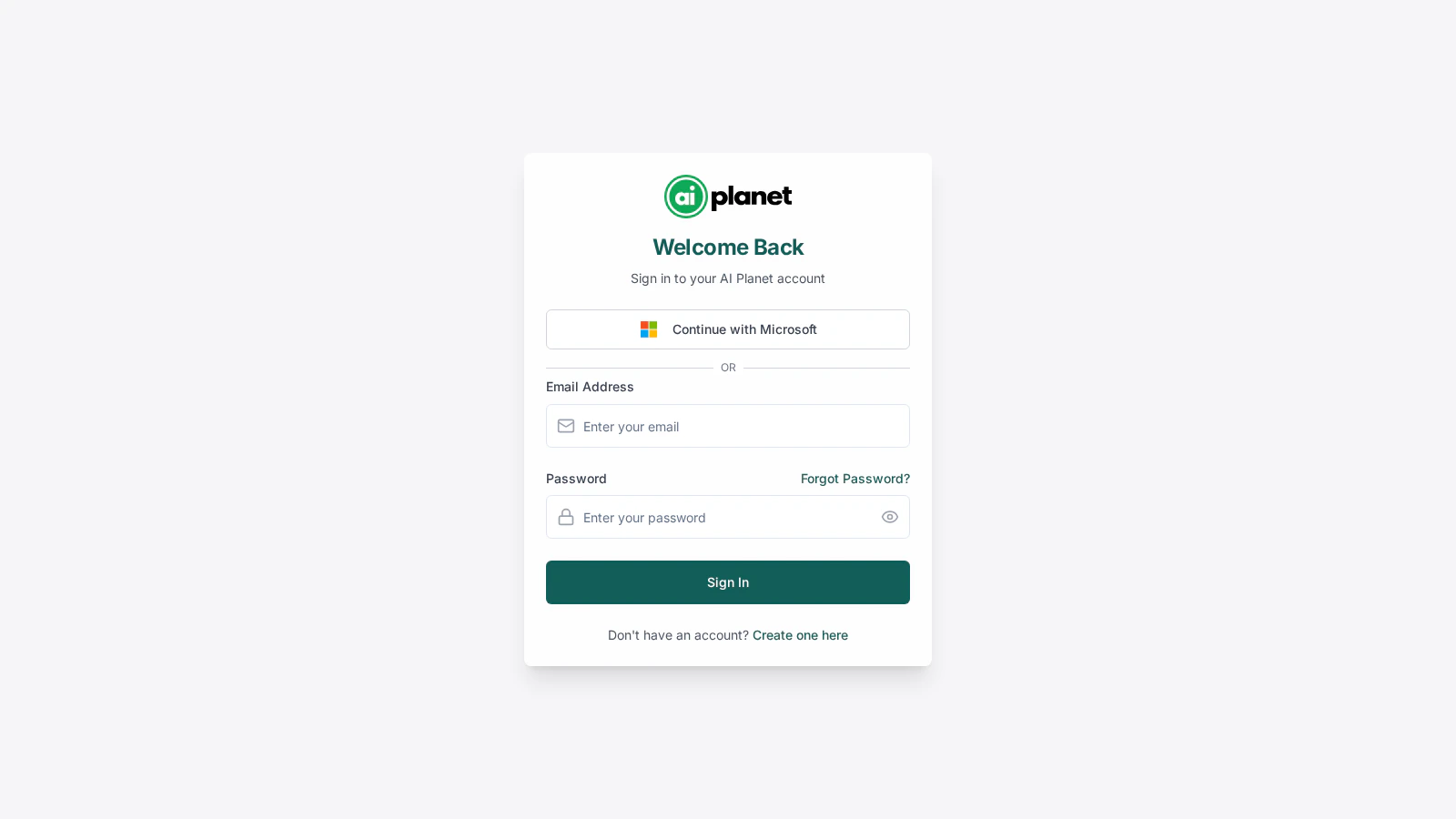
The sign-in page — email and password fields, plus alternative sign-in options.
Verifying your email
The verification link is time-limited. If it expires before you use it, request a new one from the verification screen. After a number of attempts you may need to contact support — this protects accounts from abuse.Profile settings
In Settings, the profile section lets you:- Update your name and bio.
- Change your password — you’ll confirm your current password to set a new one.
Organization settings
If you’re an administrator, the organization section lets you manage:- Organization details — name and related information.
- Members — invite people and manage their roles. See Teams & members.
- Integrations — organization-wide integration settings.
- Security — sign-on and access controls. See Roles & access.
Next steps
Build your first workflow
You’re set up — start building.