
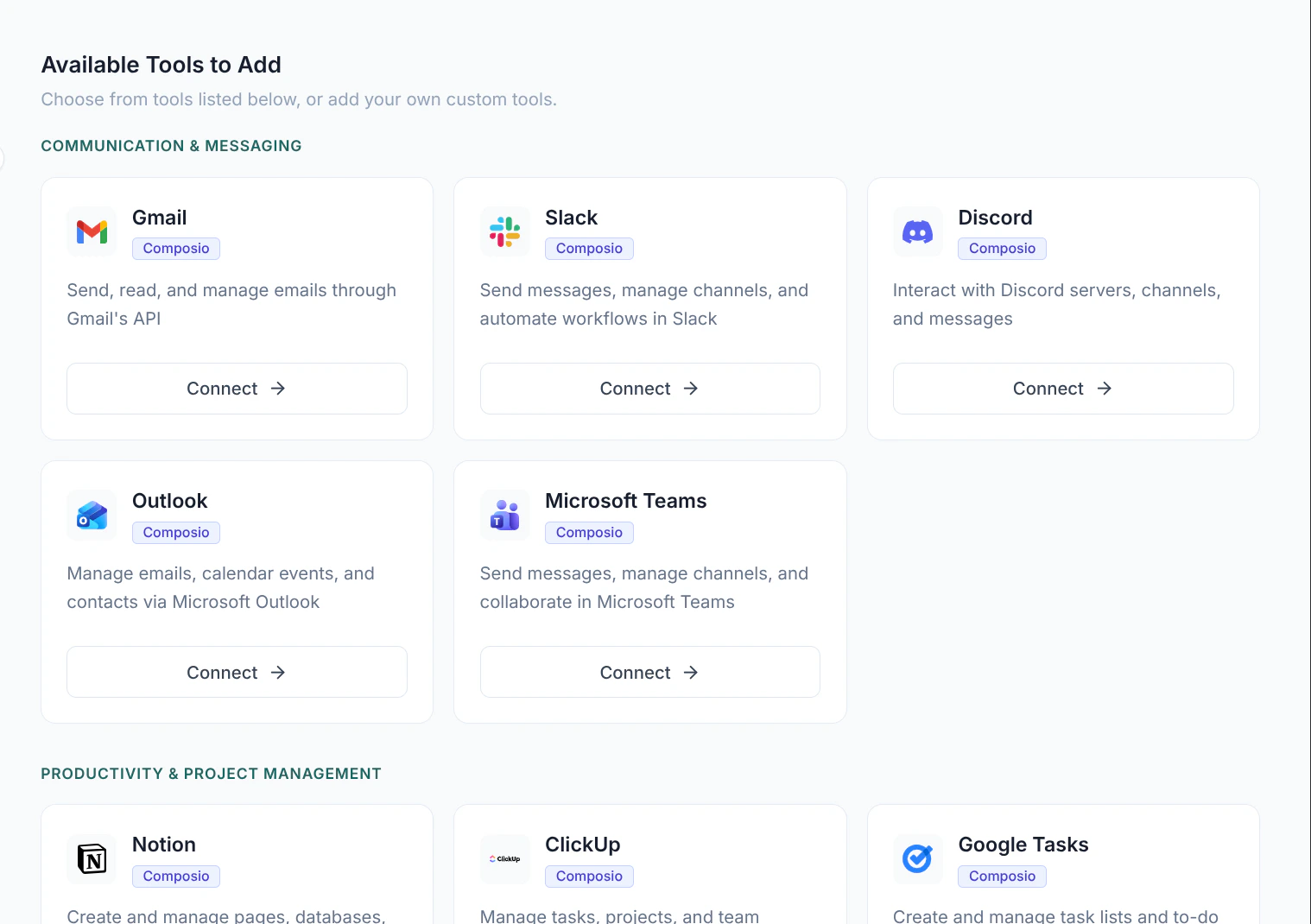
The Available Tools catalog — ready-made integrations you can connect, grouped by category.
The Tools page
The Tools page has two parts:My Tools
The tools you’ve already connected or configured. These are ready to attach to agents.
Available Tools to Add
A catalog of ready-made integrations for popular apps and services, grouped by category. When available, you can connect any of these in a few clicks.
Connecting an integration
When the integrations catalog is enabled for your organization, find the app you want under Available Tools to Add and click Connect. You’ll be guided through authorizing your account for that service — see Tool connections for the full flow. Once connected, the integration appears under My Tools and can be attached to any agent.Adding a custom tool
To connect a service that isn’t in the catalog, click Add New Tool in the page header. You can create two kinds of custom tool:- API tool — calls an HTTP endpoint. You provide a name and description, the URL and HTTP method, the authentication type (none, bearer token, API key, or basic auth), any headers and path or query parameters, and — for methods that send a body — a JSON request body.
- MCP tool — connects to a Model Context Protocol server. You provide a name and description, the transport type, the server URL, and any headers.
Managing tools
From each tool card in My Tools you can:- Edit — update its configuration.
- Test — try the tool with sample input to confirm it works.
- Disconnect — for connected integrations, remove the link to your account.
- Delete — remove the tool entirely.
Using tools in workflows
Tools don’t act on their own — you attach them to an Agent. The agent decides when to call a tool based on its instructions and the task. See Configuring agents.Next steps
Tool connections
Walk through connecting an external account.