
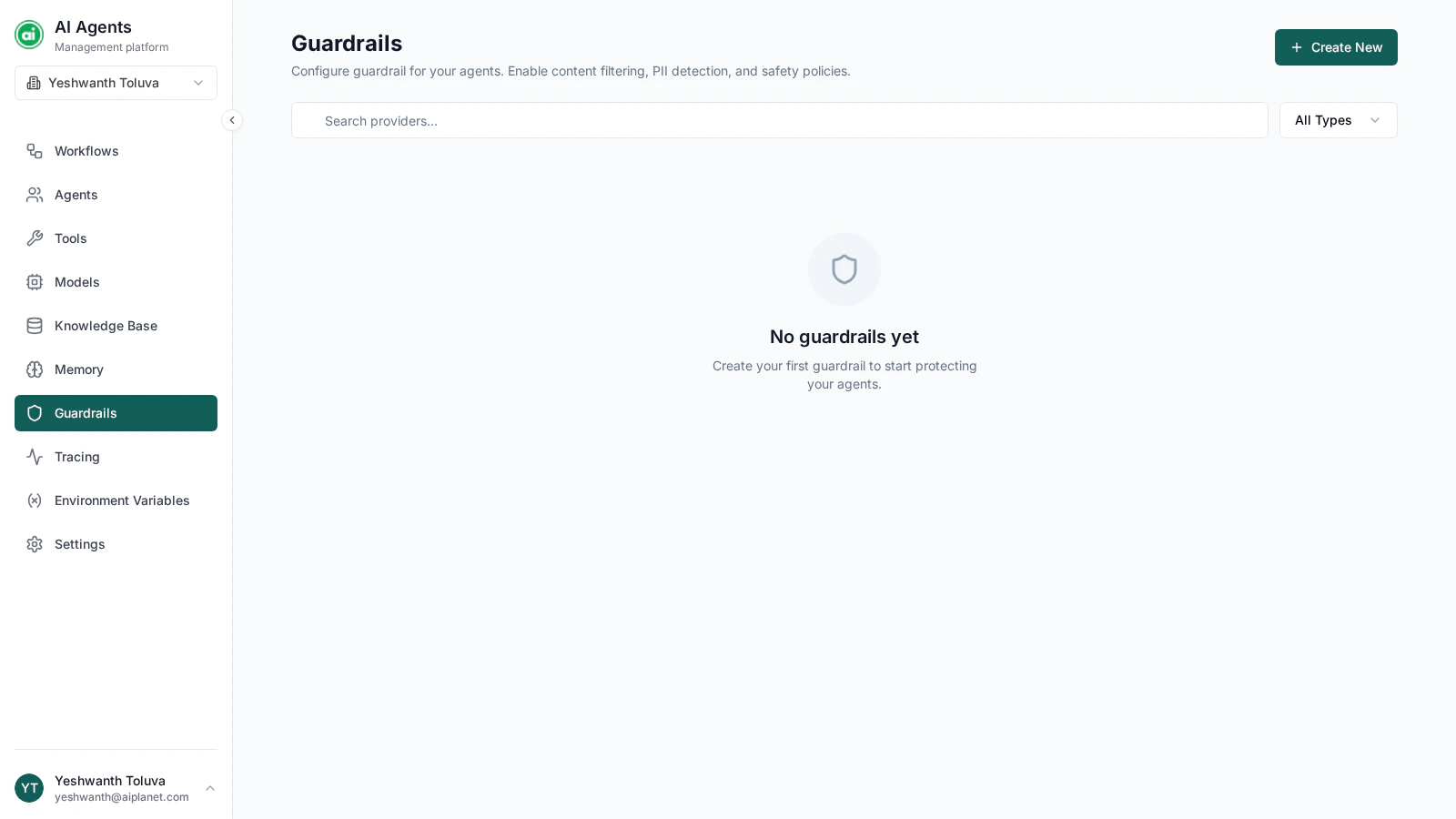
The Guardrails page, with a grid of guardrail cards showing their types.
Guardrail types
The platform supports two guardrail types:PII detection
Detects personal information — such as email addresses, phone numbers, and other sensitive identifiers — and masks it so it isn’t exposed.
Prompt injection protection
Detects and blocks attempts to manipulate a workflow into ignoring its instructions.
Creating a guardrail
Click Create New and configure:- Name — a clear label, such as
Mask Personal Info. - Type — PII detection or prompt injection protection.
- Settings — type-specific options:
- PII detection — choose which entity types to detect (emails, phone numbers, credit cards, IDs, and more) and the scope it applies to (model calls, tools, or both).
- Prompt injection protection — set the confidence threshold for what counts as an injection attempt.
Testing a guardrail
Before relying on a guardrail, test it. Open the guardrail’s test panel and enter sample text — for instance, text containing an email address — and confirm the guardrail catches and handles it as expected.Applying guardrails
Guardrails are applied at the workflow level. In the workflow’s settings panel, choose which guardrails the workflow uses — you can apply one PII detection guardrail and one prompt injection guardrail. See The workflow builder.Managing guardrails
From each guardrail card you can edit its settings, test it, or delete it. If you delete a guardrail that’s in use, the workflows using it will no longer have that protection.Next steps
Running workflows
See how runs work once your workflow is built and protected.