
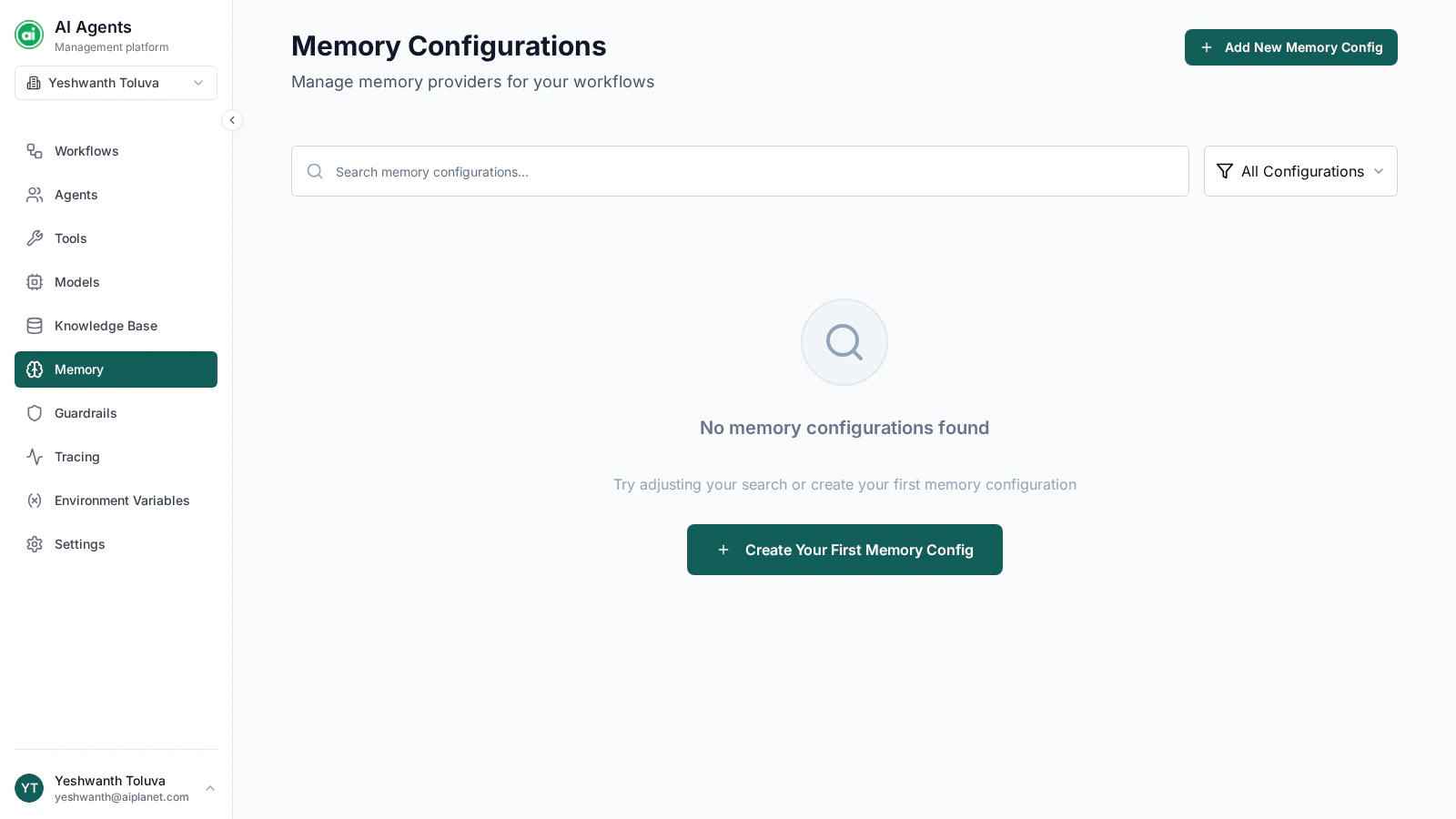
The Memory Configurations page, listing your configured memory providers.
When you need memory
- Without memory — each message is handled on its own. Good for one-off tasks where each request is independent.
- With memory — earlier messages in the thread are remembered. Good for conversations, multi-turn assistance, and anything where context builds up over time.
Creating a memory configuration
Click Add New Memory Config and provide:- Name — a clear label, such as
Conversation Memory. - Memory type — the memory provider to use. Two options are available:
- Mem0 Cloud — a hosted memory service. Configuration is a single API key.
- AI Planet Memory — a self-managed option. Configuration covers a language model provider, an embedding provider, and a vector store, each with its own connection details.
The memory type can’t be changed after the configuration is created. To switch providers, create a new configuration.
Managing configurations
Each configuration appears as a card. You can:- View — open it read-only to check its settings.
- Edit — change its connection details.
- Delete — remove it.
Using a memory configuration
Memory is applied at the workflow level, not per agent. In the workflow’s settings, add a memory provider and select one of your memory configurations. See The workflow builder. Memory operates per thread — each conversation session keeps its own remembered context, separate from other threads.Next steps
Guardrails
Add safety policies that constrain your workflows.