
What a connection is
When you connect a tool, you authorize the platform to act on your behalf in that external service — for example, to send messages from your account or read data you have access to. The authorization is stored securely, and you can revoke it at any time.Connecting an account
1
Find the integration
On the Tools page, locate the integration under Available Tools to Add and click Connect.
2
Sign in to the service
You’re taken to the external service’s own sign-in page. Log in with the account you want to connect.
3
Review and authorize
The service shows what access is being requested. Review it and approve.
4
Return to the platform
You’re brought back automatically. The tool now appears under My Tools with a connected status.
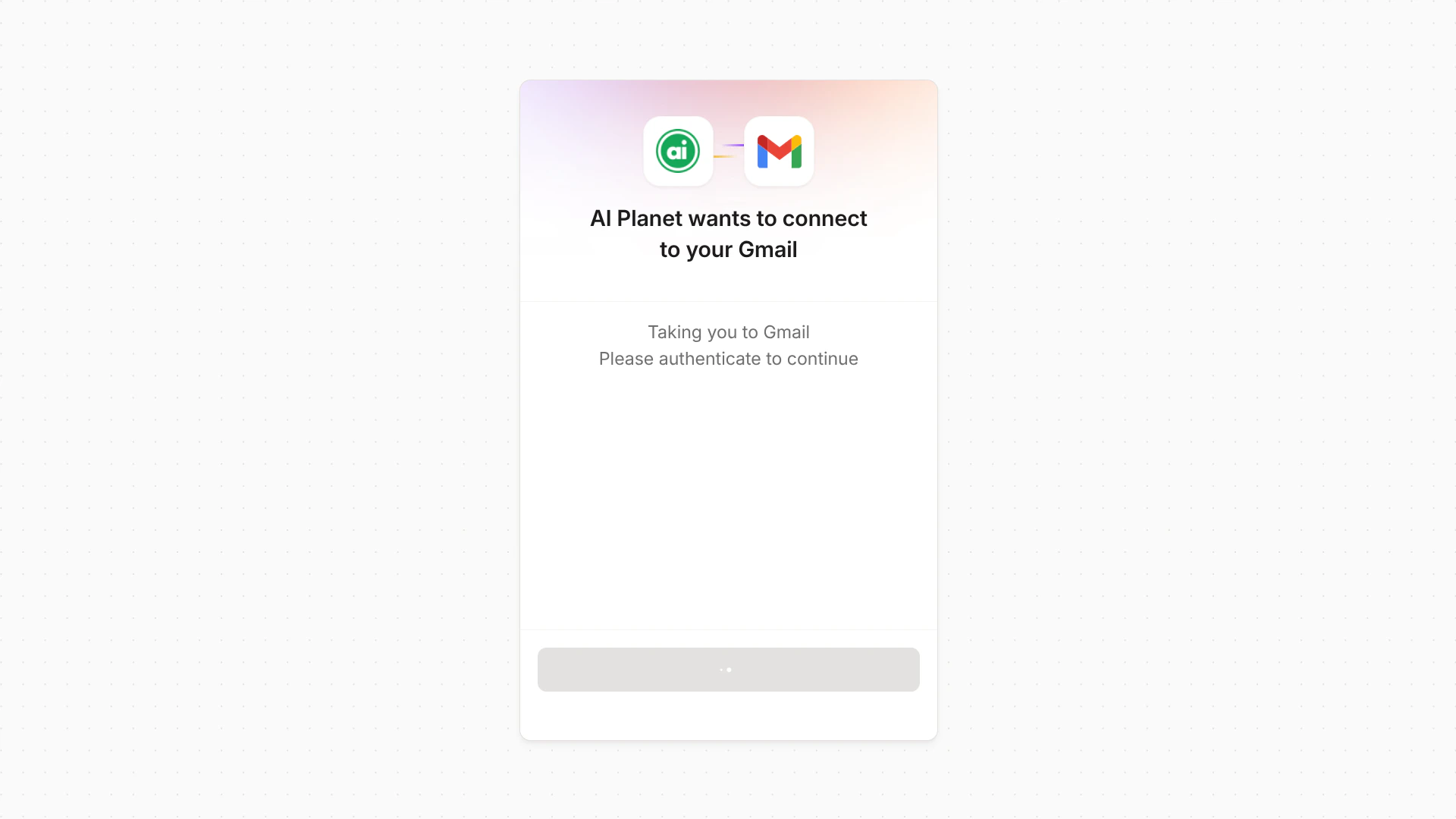
The connection screen — confirm you want to connect, then you're handed off to the service to sign in.
You sign in on the external service’s own page — the platform never sees your password for that service.
Using a connected tool
Once connected, attach the tool to an agent like any other. The agent uses your connection when it calls that tool during a run. See Configuring agents.Managing connections
From the tool’s card under My Tools, you can Disconnect — this revokes the link to your account, and the tool stops working. If a connection expires or stops working, connect the integration again from Available Tools to Add to restore access.Next steps
Knowledge Bases
Give your agents access to your own content.