
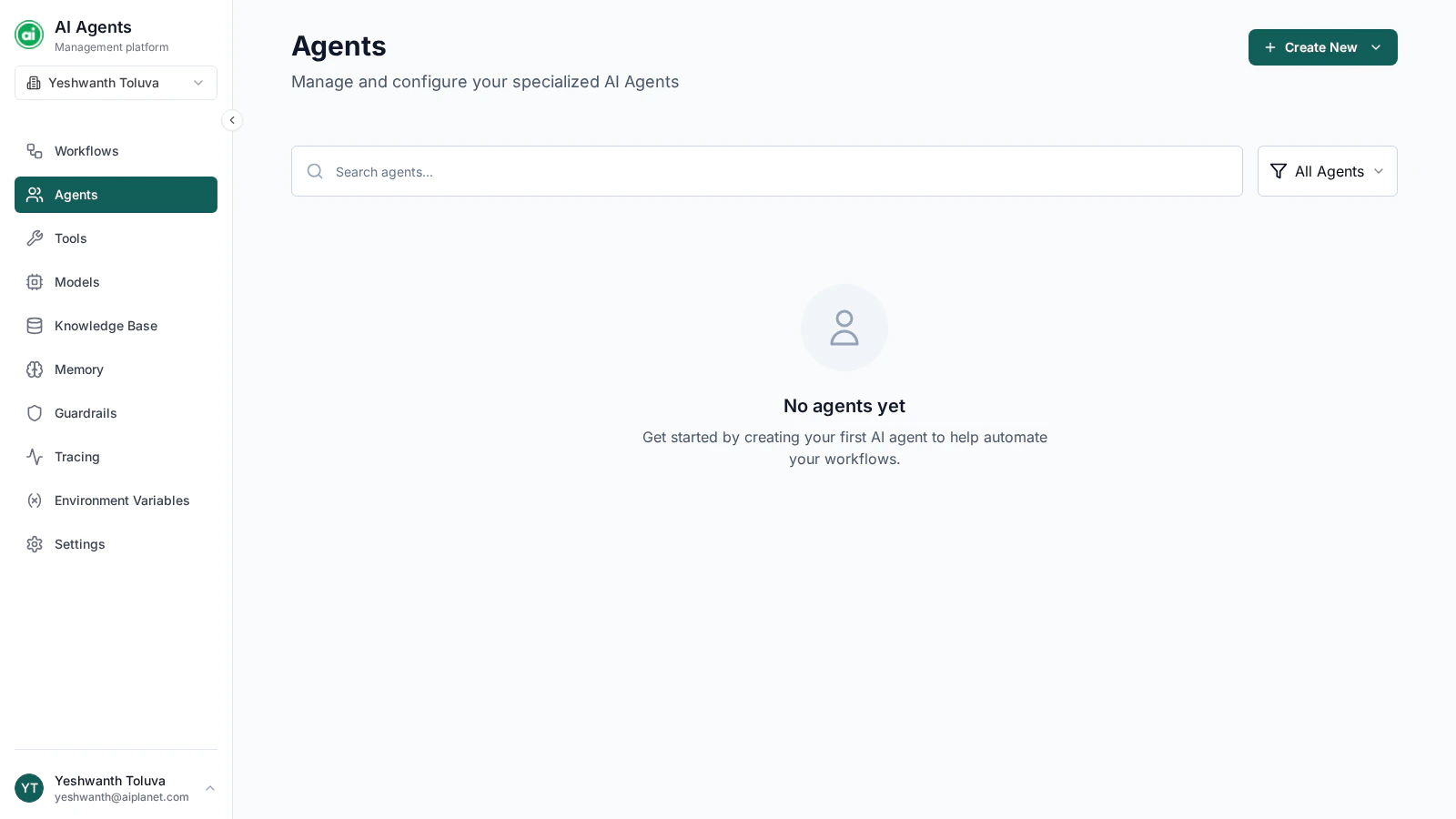
The Agents page, with a grid of agent cards.
Reusable agent configurations
An agent configuration is a reusable building block: define an agent once, then reference it from any workflow’s Agent node rather than rebuilding the same configuration each time. You can create and manage agents here, or create one on the fly from an Agent node in the builder — either way it’s the same configuration.The agents list
Each agent appears as a card showing its name, description, model, and status. You can:- Search for an agent by name.
- Filter the list by agent type — standard platform agents or A2A agents.
Creating an agent
Click Create New and choose the agent type. A configuration drawer opens where you set:- Name and description
- Model — which model powers the agent
- Instructions — the system prompt defining its role and behavior
- Tools — external capabilities it can use, plus how it chooses them
- Knowledge Base — content it can search
Managing agents
From each agent card you can:- Edit — open the configuration drawer to make changes.
- Test — run the agent in isolation with sample input to check its behavior.
- Delete — remove the agent.
Next steps
Models
Set up the models that power your agents.
Tools
Give your agents external capabilities.