
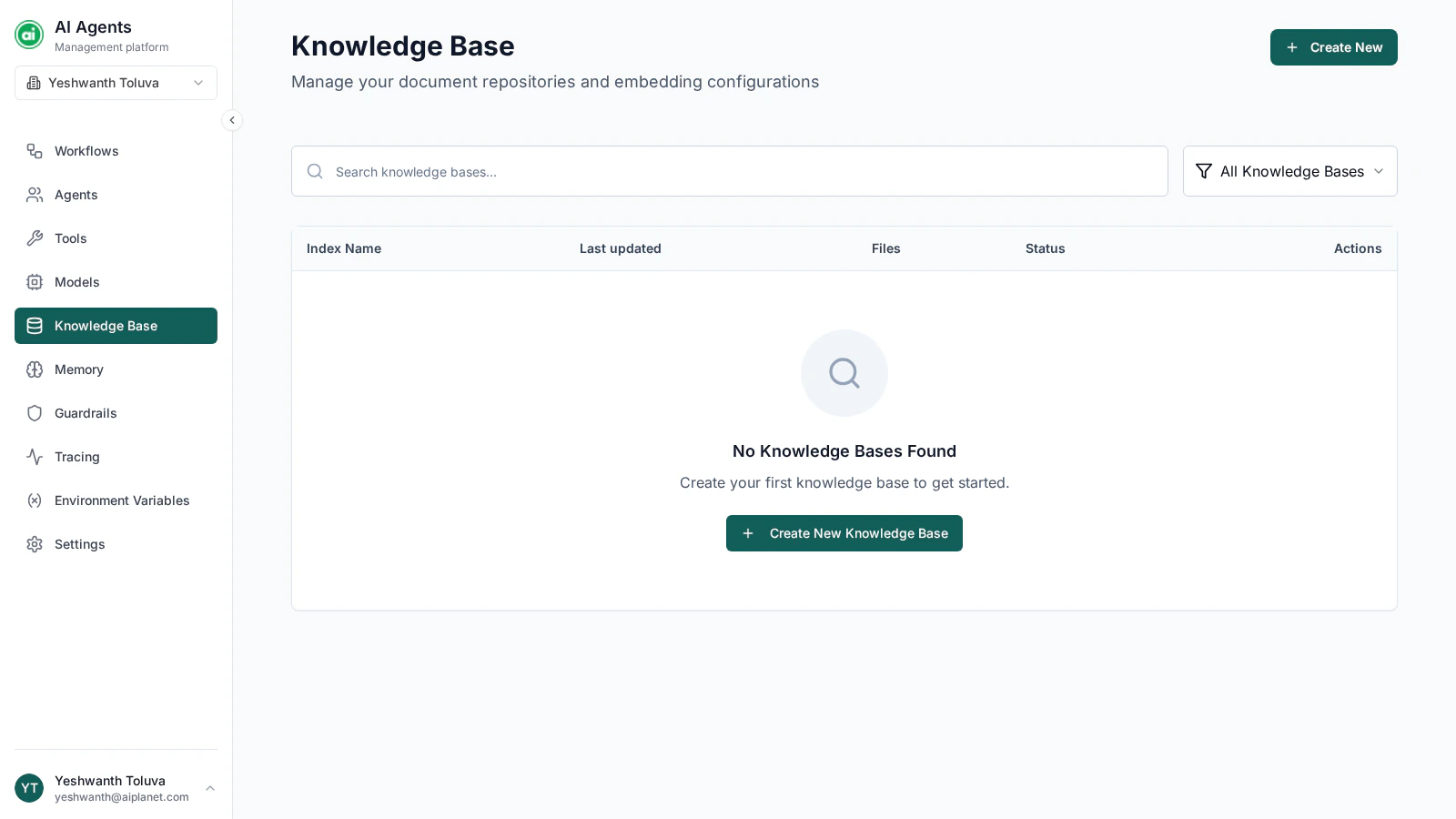
The Knowledge Base page, listing your knowledge bases with their file counts and status.
Creating a Knowledge Base
Click Create New and provide:- Name — a clear label, such as
Product DocumentationorSupport Articles. - Description — optional, for your own reference.
- Files — upload the documents to include.
Supported files
A Knowledge Base is built from uploaded files. Supported formats are PDF, TXT, Markdown, DOC, and DOCX. You can upload up to 10 files per Knowledge Base, with a maximum of 100 MB per file.Indexing status
Each Knowledge Base shows a status so you know whether it’s ready:An agent can only search content that has finished indexing. Wait for the Indexed status before relying on a Knowledge Base in a deployed workflow.
Editing a Knowledge Base
Open a Knowledge Base to update its name and description, upload more files, or remove and download existing ones. Newly added files are indexed when you save, and you can see the status of each file individually.Advanced configuration
By default, a Knowledge Base uses the platform’s managed setup — you don’t need to configure anything beyond uploading files. Advanced users can optionally bring their own vector database, with custom embedding and retrieval settings, when creating a Knowledge Base.Deleting a Knowledge Base
Deleting a Knowledge Base permanently removes it and all its indexed content. Agents that referenced it will no longer have access to that content.Using a Knowledge Base
Select a Knowledge Base in the Knowledge Base section of an agent’s configuration. See Configuring agents.Next steps
Memory configurations
Let workflows remember context across a conversation.