
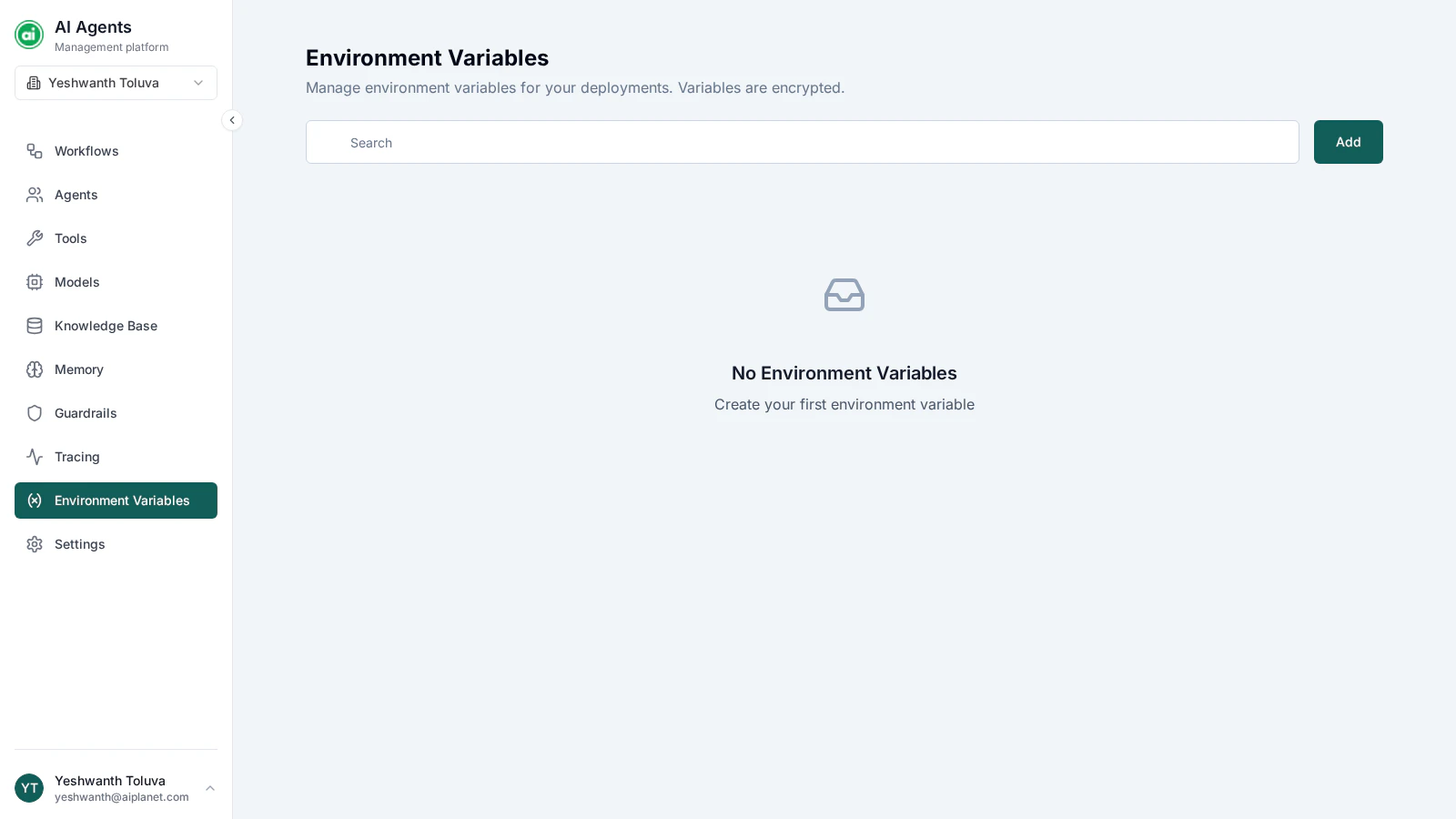
The Environment Variables page, listing your variables with their type and masked values.
Why use them
- Keep secrets out of workflows — store a sensitive value once instead of typing it into node configurations.
- Change values in one place — update the variable and every workflow that references it picks up the new value.
- Separate concerns — keep configuration that changes (endpoints, keys) apart from workflow logic.
Creating a variable
Click Add and provide:- Name — a clear identifier, such as
SERVICE_ENDPOINT. - Value — the actual value. It’s stored securely and masked in the interface.
- Type — the kind of value: String, Number, Boolean, or Secret.
Using a variable in a workflow
In the builder, reference a variable from a node’s configuration by selecting it. The platform resolves the reference and substitutes the stored value before the node executes — workflows reference variables by an internal reference, so renaming a variable doesn’t break workflows that use it.Managing variables
From the Environment Variables page you can edit a variable’s name or value, or delete it. The type is fixed once the variable is created.Next steps
Members
Manage who has access to your organization’s resources.