> ## Documentation Index
> Fetch the complete documentation index at: https://docs.platform.aiplanet.com/llms.txt
> Use this file to discover all available pages before exploring further.
# Account & Settings
> Create your account, manage your profile, and configure your organization.
This page covers getting into the platform and the settings available once you're in.
## Creating your account
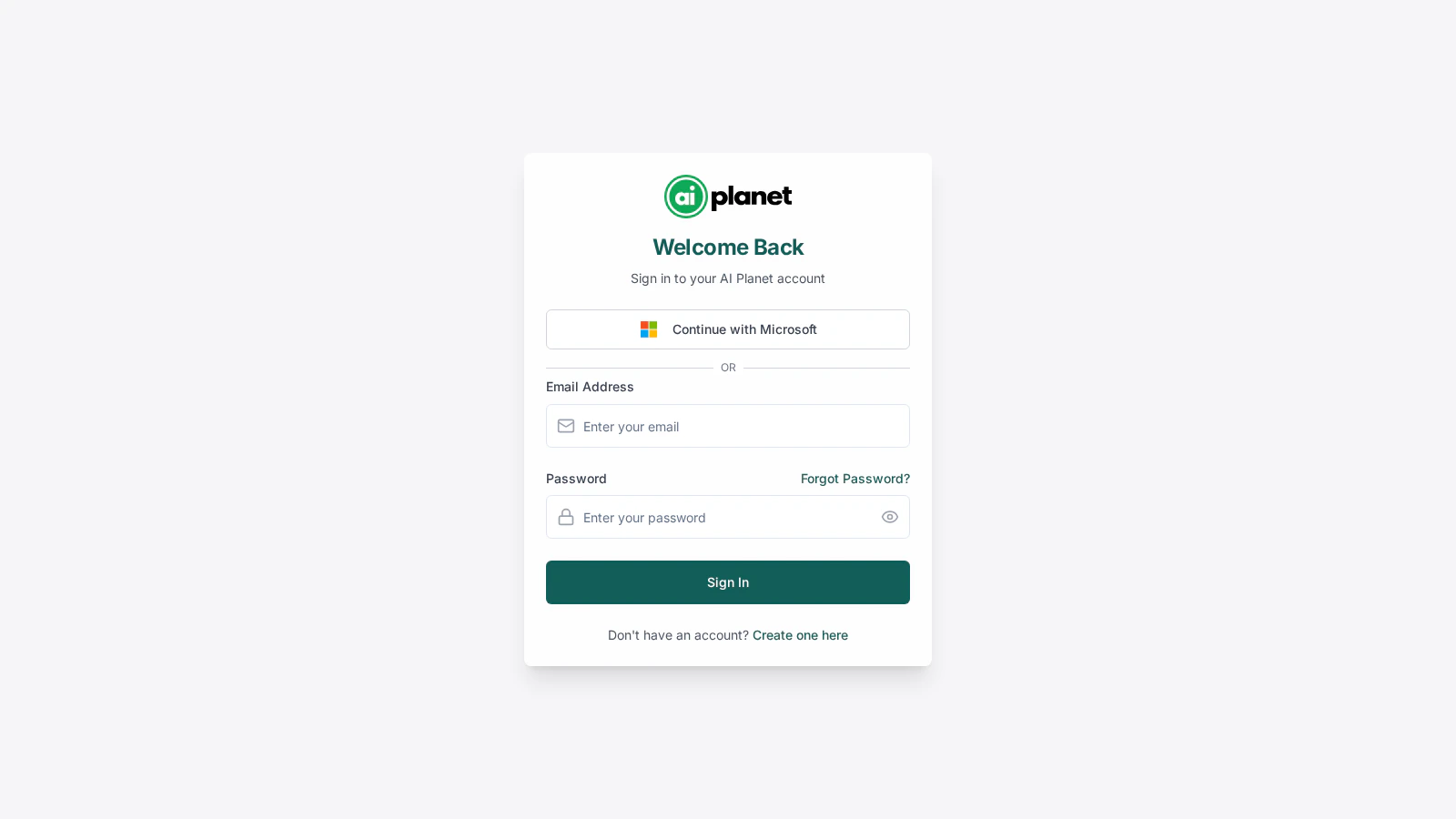
Register with your full name, email address, and a password (you can also add a short bio). After registering, you'll receive a verification email — click the link in it to verify your address, then sign in.
Depending on how your organization is set up, you may also be able to sign in with Google, GitHub, or your organization's single sign-on. See [Roles & access](/organization-settings/roles-access#single-sign-on).
 ### Verifying your email
The verification link is time-limited. If it expires before you use it, request a new one from the verification screen. After a number of attempts you may need to contact support — this protects accounts from abuse.
## Profile settings
In **Settings**, the profile section lets you:
* Update your **name** and **bio**.
* Change your **password** — you'll confirm your current password to set a new one.
## Organization settings
If you're an administrator, the organization section lets you manage:
* **Organization details** — name and related information.
* **Members** — invite people and manage their roles. See [Teams & members](/organization-settings/teams-members).
* **Integrations** — organization-wide integration settings.
* **Security** — sign-on and access controls. See [Roles & access](/organization-settings/roles-access).
## Next steps
You're set up — start building.
### Verifying your email
The verification link is time-limited. If it expires before you use it, request a new one from the verification screen. After a number of attempts you may need to contact support — this protects accounts from abuse.
## Profile settings
In **Settings**, the profile section lets you:
* Update your **name** and **bio**.
* Change your **password** — you'll confirm your current password to set a new one.
## Organization settings
If you're an administrator, the organization section lets you manage:
* **Organization details** — name and related information.
* **Members** — invite people and manage their roles. See [Teams & members](/organization-settings/teams-members).
* **Integrations** — organization-wide integration settings.
* **Security** — sign-on and access controls. See [Roles & access](/organization-settings/roles-access).
## Next steps
You're set up — start building.