> ## Documentation Index
> Fetch the complete documentation index at: https://docs.platform.aiplanet.com/llms.txt
> Use this file to discover all available pages before exploring further.
# Memory Configurations
> Connect a memory provider so workflows can retain context across messages.
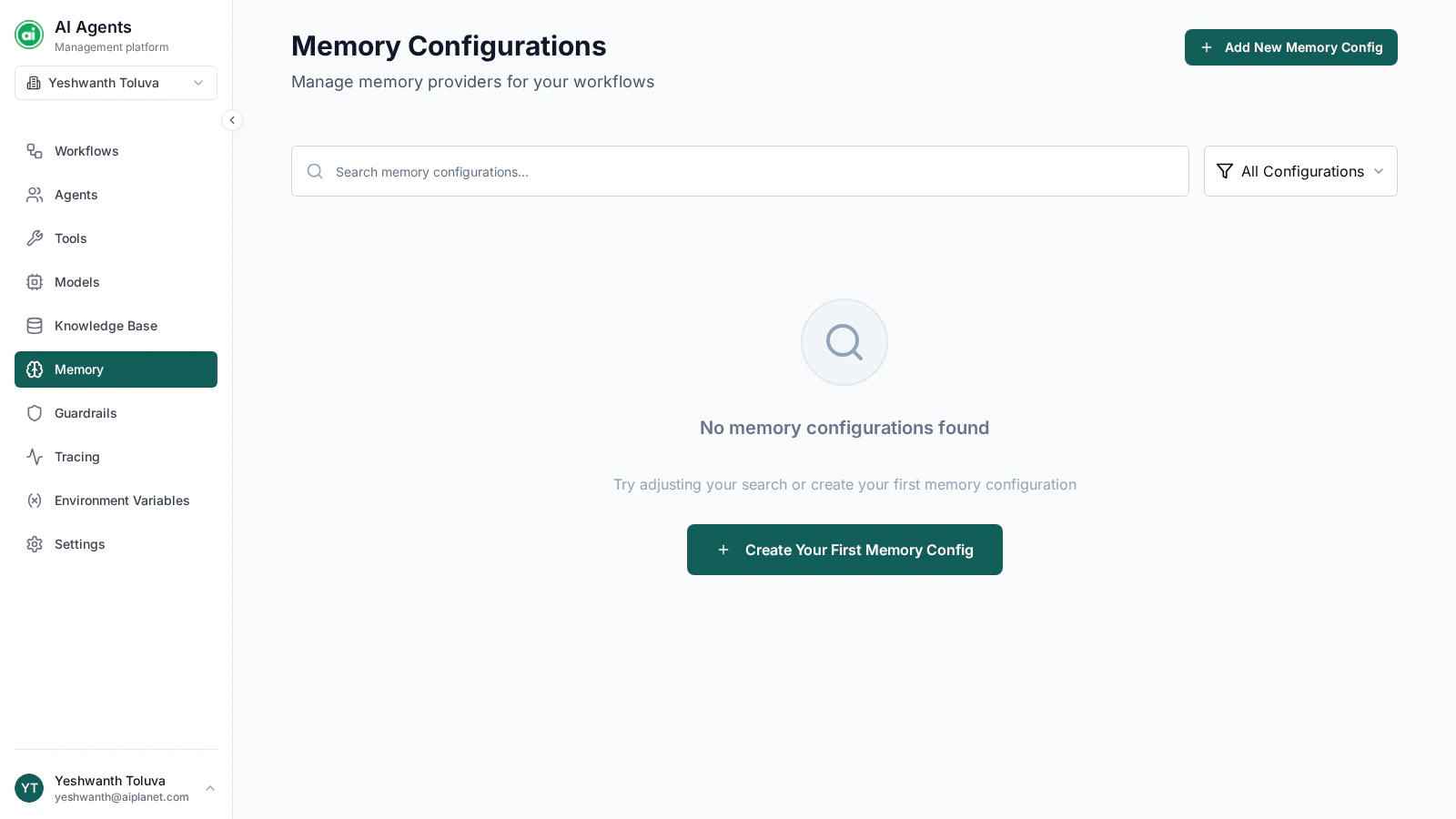
By default, a workflow treats every message independently. A **memory configuration** connects a memory provider so a workflow can retain context across the messages in a thread — referring back to earlier parts of a conversation instead of starting fresh each time.
 ## When you need memory
* **Without memory** — each message is handled on its own. Good for one-off tasks where each request is independent.
* **With memory** — earlier messages in the thread are remembered. Good for conversations, multi-turn assistance, and anything where context builds up over time.
## Creating a memory configuration
Click **Add New Memory Config** and provide:
* **Name** — a clear label, such as `Conversation Memory`.
* **Memory type** — the memory provider to use. Two options are available:
* **Mem0 Cloud** — a hosted memory service. Configuration is a single **API key**.
* **AI Planet Memory** — a self-managed option. Configuration covers a language model provider, an embedding provider, and a vector store, each with its own connection details.
Fill in the connection details for whichever type you choose, then save.
The memory type can't be changed after the configuration is created. To switch providers, create a new configuration.
## Managing configurations
Each configuration appears as a card. You can:
* **View** — open it read-only to check its settings.
* **Edit** — change its connection details.
* **Delete** — remove it.
## Using a memory configuration
Memory is applied at the **workflow** level, not per agent. In the workflow's settings, add a memory provider and select one of your memory configurations. See [The workflow builder](/building-workflows/builder-overview#settings).
Memory operates **per thread** — each conversation session keeps its own remembered context, separate from other threads.
Reuse one well-tuned memory configuration across your workflows rather than creating a new one each time. It keeps behavior consistent and easier to manage.
## Next steps
Add safety policies that constrain your workflows.
## When you need memory
* **Without memory** — each message is handled on its own. Good for one-off tasks where each request is independent.
* **With memory** — earlier messages in the thread are remembered. Good for conversations, multi-turn assistance, and anything where context builds up over time.
## Creating a memory configuration
Click **Add New Memory Config** and provide:
* **Name** — a clear label, such as `Conversation Memory`.
* **Memory type** — the memory provider to use. Two options are available:
* **Mem0 Cloud** — a hosted memory service. Configuration is a single **API key**.
* **AI Planet Memory** — a self-managed option. Configuration covers a language model provider, an embedding provider, and a vector store, each with its own connection details.
Fill in the connection details for whichever type you choose, then save.
The memory type can't be changed after the configuration is created. To switch providers, create a new configuration.
## Managing configurations
Each configuration appears as a card. You can:
* **View** — open it read-only to check its settings.
* **Edit** — change its connection details.
* **Delete** — remove it.
## Using a memory configuration
Memory is applied at the **workflow** level, not per agent. In the workflow's settings, add a memory provider and select one of your memory configurations. See [The workflow builder](/building-workflows/builder-overview#settings).
Memory operates **per thread** — each conversation session keeps its own remembered context, separate from other threads.
Reuse one well-tuned memory configuration across your workflows rather than creating a new one each time. It keeps behavior consistent and easier to manage.
## Next steps
Add safety policies that constrain your workflows.