> ## Documentation Index
> Fetch the complete documentation index at: https://docs.platform.aiplanet.com/llms.txt
> Use this file to discover all available pages before exploring further.
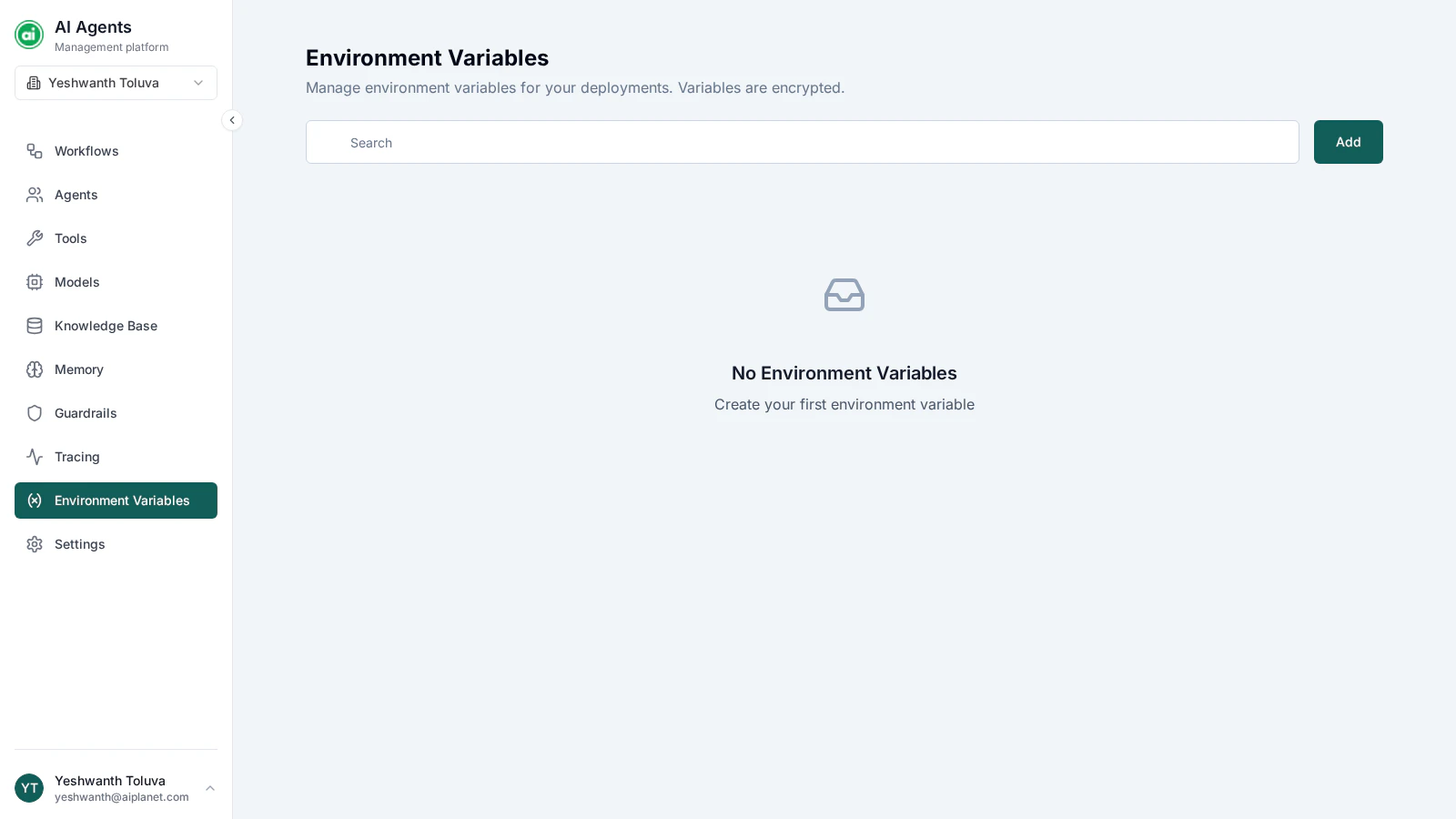
# Environment Variables
> Store configuration values your workflows use at runtime.
Environment variables let you store configuration values — like keys, endpoints, or settings — separately from your workflows. A workflow references a variable, and the actual value is filled in at runtime.
 ## Why use them
* **Keep secrets out of workflows** — store a sensitive value once instead of typing it into node configurations.
* **Change values in one place** — update the variable and every workflow that references it picks up the new value.
* **Separate concerns** — keep configuration that changes (endpoints, keys) apart from workflow logic.
## Creating a variable
Click **Add** and provide:
* **Name** — a clear identifier, such as `SERVICE_ENDPOINT`.
* **Value** — the actual value. It's stored securely and masked in the interface.
* **Type** — the kind of value: **String**, **Number**, **Boolean**, or **Secret**.
Environment variables are **organization-wide** — every workflow in your organization can use them.
## Using a variable in a workflow
In the builder, reference a variable from a node's configuration by selecting it. The platform resolves the reference and substitutes the stored value before the node executes — workflows reference variables by an internal reference, so renaming a variable doesn't break workflows that use it.
## Managing variables
From the Environment Variables page you can **edit** a variable's name or value, or **delete** it. The type is fixed once the variable is created.
Before deleting a variable, check which workflows reference it. A deployed workflow that depends on a deleted variable can start failing.
## Next steps
Manage who has access to your organization's resources.
## Why use them
* **Keep secrets out of workflows** — store a sensitive value once instead of typing it into node configurations.
* **Change values in one place** — update the variable and every workflow that references it picks up the new value.
* **Separate concerns** — keep configuration that changes (endpoints, keys) apart from workflow logic.
## Creating a variable
Click **Add** and provide:
* **Name** — a clear identifier, such as `SERVICE_ENDPOINT`.
* **Value** — the actual value. It's stored securely and masked in the interface.
* **Type** — the kind of value: **String**, **Number**, **Boolean**, or **Secret**.
Environment variables are **organization-wide** — every workflow in your organization can use them.
## Using a variable in a workflow
In the builder, reference a variable from a node's configuration by selecting it. The platform resolves the reference and substitutes the stored value before the node executes — workflows reference variables by an internal reference, so renaming a variable doesn't break workflows that use it.
## Managing variables
From the Environment Variables page you can **edit** a variable's name or value, or **delete** it. The type is fixed once the variable is created.
Before deleting a variable, check which workflows reference it. A deployed workflow that depends on a deleted variable can start failing.
## Next steps
Manage who has access to your organization's resources.