> ## Documentation Index
> Fetch the complete documentation index at: https://docs.platform.aiplanet.com/llms.txt
> Use this file to discover all available pages before exploring further.
# API Keys
> Create and manage the keys that authenticate API requests.
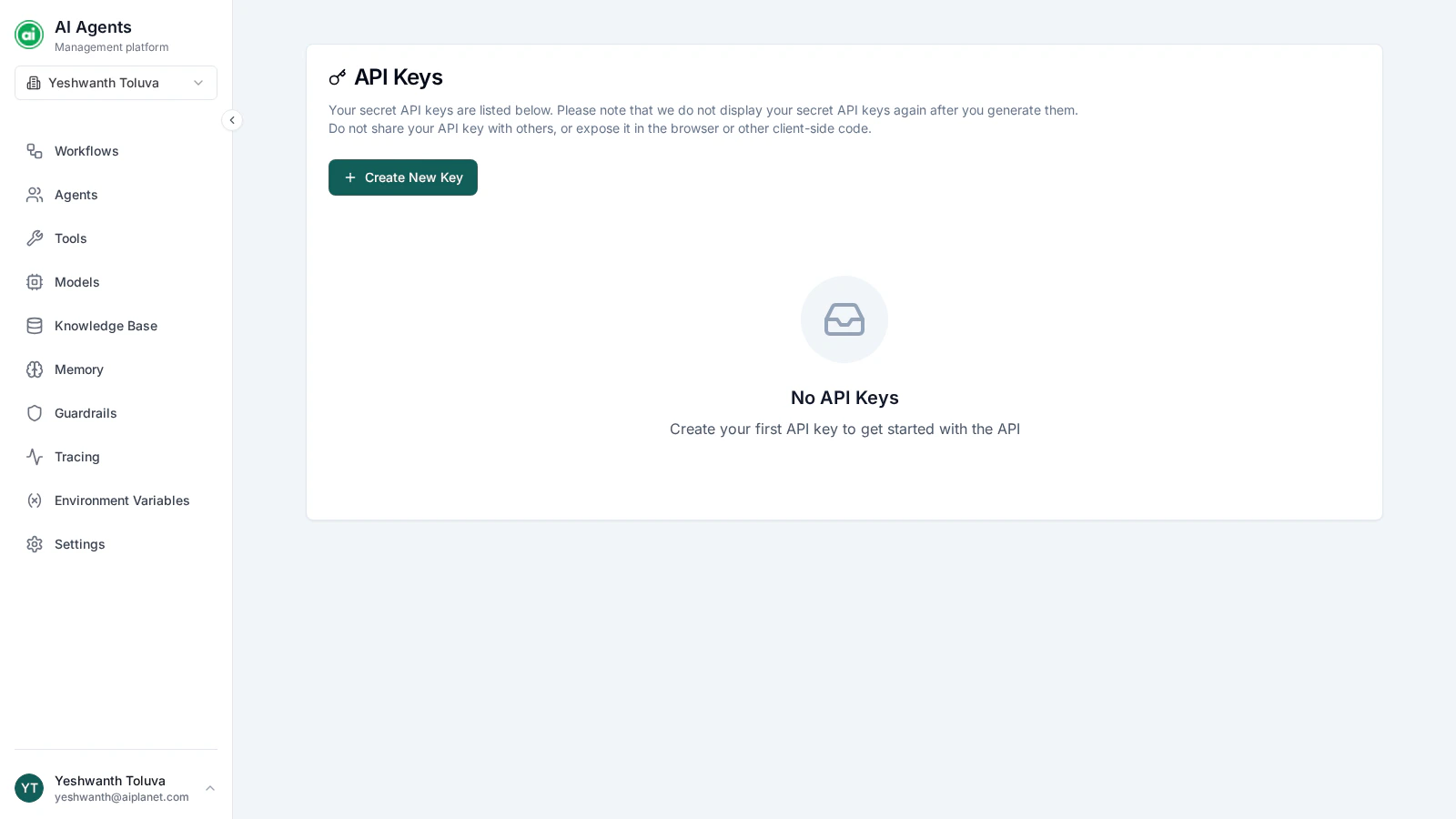
API keys let your applications authenticate with the platform's API to trigger workflows and read results. The API Keys page is where you create and manage them.
 ## Creating a key
Click **Create New Key** and provide:
* **Name** — a clear label, such as `Production` or `Staging`, so you can tell your keys apart.
* **Permissions** — the scopes the key is allowed to use (see below).
When you create the key, its full value is shown **once**. Copy it and store it somewhere secure immediately.
The full key value is shown only at creation. It can't be retrieved again afterward. If you lose it, delete the key and create a new one.
## Scopes
Scopes control what a key can do. Grant only the scopes an integration actually needs — for example, a key that only triggers workflows doesn't need permission to edit them. Common scopes cover reading workflows, triggering executions, and reading results.
## Managing keys
The API Keys page lists every key with its name, a masked preview of its value, when it was created, when it was last used, and how many requests it has made. For each key you can:
* **Edit** — change its name or permissions.
* **Delete** — revoke the key immediately. Any integration using it stops working.
## Keeping keys safe
Treat API keys like passwords. Never commit them to source control, never expose them in client-side code, and rotate them periodically.
* Use **separate keys** for separate applications or environments — so you can revoke one without affecting the others.
* **Revoke unused keys.**
* If a key may be compromised, **delete it right away** and create a replacement.
## Next steps
Use your key to trigger workflows from your own applications.
## Creating a key
Click **Create New Key** and provide:
* **Name** — a clear label, such as `Production` or `Staging`, so you can tell your keys apart.
* **Permissions** — the scopes the key is allowed to use (see below).
When you create the key, its full value is shown **once**. Copy it and store it somewhere secure immediately.
The full key value is shown only at creation. It can't be retrieved again afterward. If you lose it, delete the key and create a new one.
## Scopes
Scopes control what a key can do. Grant only the scopes an integration actually needs — for example, a key that only triggers workflows doesn't need permission to edit them. Common scopes cover reading workflows, triggering executions, and reading results.
## Managing keys
The API Keys page lists every key with its name, a masked preview of its value, when it was created, when it was last used, and how many requests it has made. For each key you can:
* **Edit** — change its name or permissions.
* **Delete** — revoke the key immediately. Any integration using it stops working.
## Keeping keys safe
Treat API keys like passwords. Never commit them to source control, never expose them in client-side code, and rotate them periodically.
* Use **separate keys** for separate applications or environments — so you can revoke one without affecting the others.
* **Revoke unused keys.**
* If a key may be compromised, **delete it right away** and create a replacement.
## Next steps
Use your key to trigger workflows from your own applications.