> ## Documentation Index
> Fetch the complete documentation index at: https://docs.platform.aiplanet.com/llms.txt
> Use this file to discover all available pages before exploring further.
# Models
> Add and configure the AI models that power your agents.
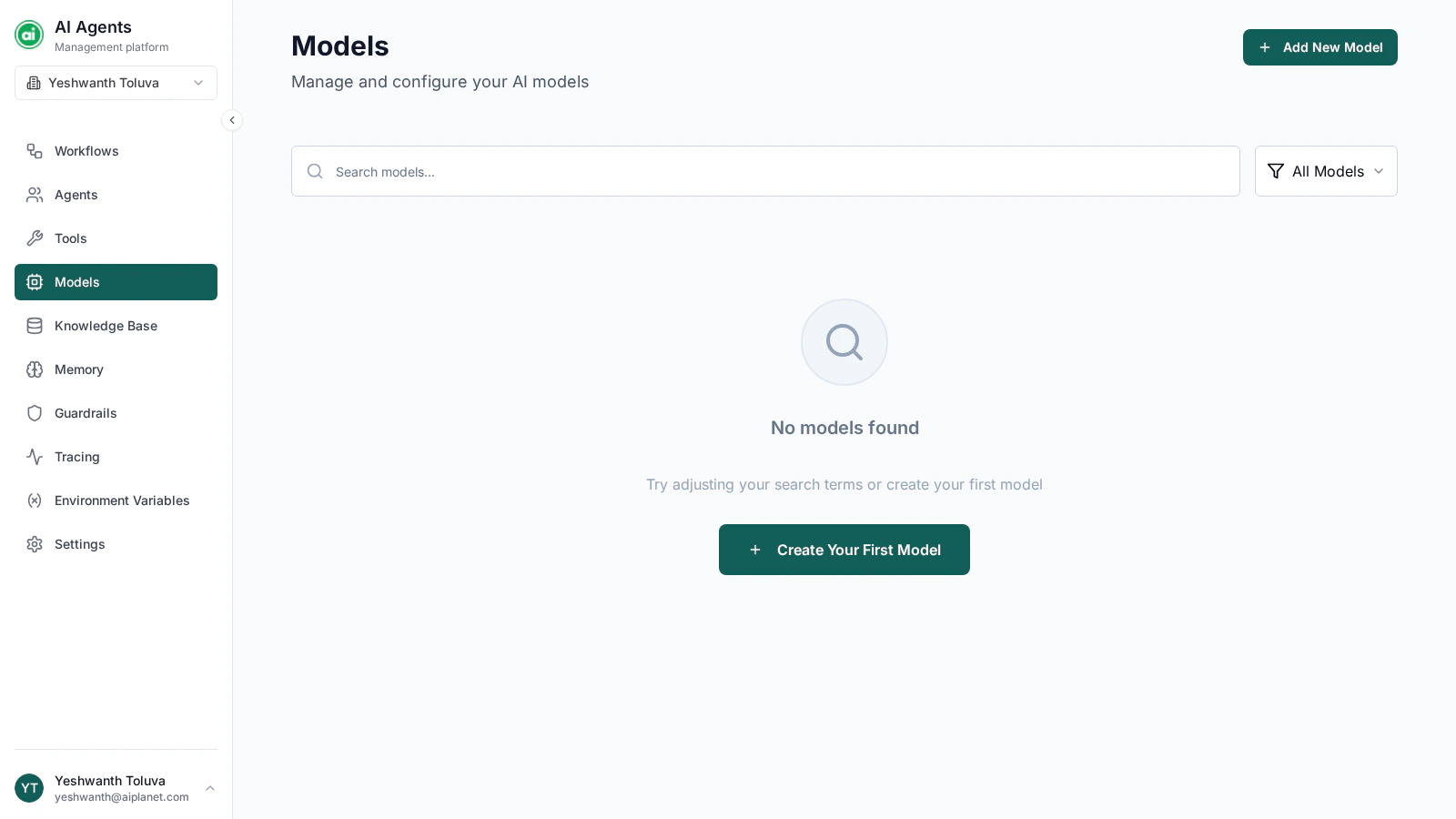
Models are the AI engines behind your agents. Before an agent can do anything, it needs a model. The Models page is where you add and manage them for your organization.
 ## Adding a model
Click **Add New Model** to open the configuration drawer. You'll provide:
* **Name** — a label you choose, so you can recognize this configuration later (for example, `Fast Model` or `High-Quality Model`).
* **Provider** — the model provider this configuration uses.
* **Provider details** — the connection fields for that provider. These vary by provider, but typically include the specific model name, an API key, and an endpoint or region. Credentials are stored securely and never shown again in full after you save.
Save the configuration, and the model becomes available to select wherever you configure an agent.
A "model" on this page is a *configuration* — a named bundle of a provider and its connection details. You can create several configurations, including more than one for the same provider.
## Managing models
Each model configuration appears as a card. From it you can:
* **Edit** — change the name and the provider details. The provider itself can't be changed after the configuration is created.
* **Delete** — remove the configuration. Agents using it will need a different model selected.
## Next steps
Select your model when setting up an agent.
## Adding a model
Click **Add New Model** to open the configuration drawer. You'll provide:
* **Name** — a label you choose, so you can recognize this configuration later (for example, `Fast Model` or `High-Quality Model`).
* **Provider** — the model provider this configuration uses.
* **Provider details** — the connection fields for that provider. These vary by provider, but typically include the specific model name, an API key, and an endpoint or region. Credentials are stored securely and never shown again in full after you save.
Save the configuration, and the model becomes available to select wherever you configure an agent.
A "model" on this page is a *configuration* — a named bundle of a provider and its connection details. You can create several configurations, including more than one for the same provider.
## Managing models
Each model configuration appears as a card. From it you can:
* **Edit** — change the name and the provider details. The provider itself can't be changed after the configuration is created.
* **Delete** — remove the configuration. Agents using it will need a different model selected.
## Next steps
Select your model when setting up an agent.