> ## Documentation Index
> Fetch the complete documentation index at: https://docs.platform.aiplanet.com/llms.txt
> Use this file to discover all available pages before exploring further.
# Agents
> Create and manage reusable AI agents across your organization.
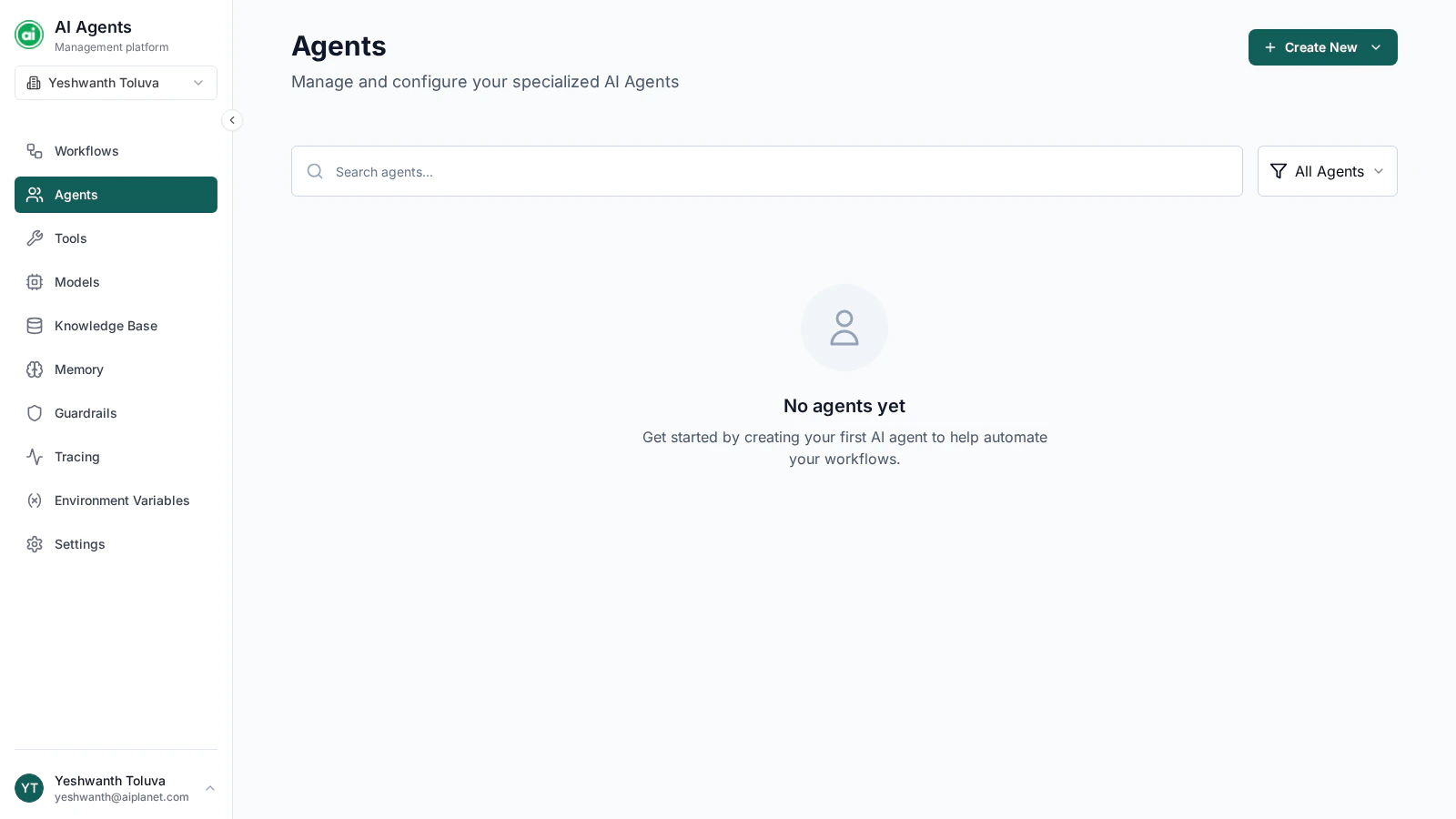
The Agents page is where you create and manage standalone agents — reusable AI workers you can configure once and use across your workflows.
 ## Reusable agent configurations
An agent configuration is a **reusable building block**: define an agent once, then reference it from any workflow's Agent node rather than rebuilding the same configuration each time. You can create and manage agents here, or create one on the fly from an Agent node in the builder — either way it's the same configuration.
## The agents list
Each agent appears as a card showing its name, description, model, and status. You can:
* **Search** for an agent by name.
* **Filter** the list by agent type — standard platform agents or A2A agents.
## Creating an agent
Click **Create New** and choose the agent type. A configuration drawer opens where you set:
* **Name** and **description**
* **Model** — which model powers the agent
* **Instructions** — the system prompt defining its role and behavior
* **Tools** — external capabilities it can use, plus how it chooses them
* **Knowledge Base** — content it can search
These are the same settings described in [Configuring agents](/building-workflows/configuring-agents).
## Managing agents
From each agent card you can:
* **Edit** — open the configuration drawer to make changes.
* **Test** — run the agent in isolation with sample input to check its behavior.
* **Delete** — remove the agent.
The platform also provides a set of **built-in default agents** as starting points. On those, instead of Edit you'll see **Fork & Edit** — it creates your own editable copy, leaving the original template untouched.
Use **Fork & Edit** on a built-in agent to start from a working template instead of a blank configuration, then tailor it to your needs.
## Next steps
Set up the models that power your agents.
Give your agents external capabilities.
## Reusable agent configurations
An agent configuration is a **reusable building block**: define an agent once, then reference it from any workflow's Agent node rather than rebuilding the same configuration each time. You can create and manage agents here, or create one on the fly from an Agent node in the builder — either way it's the same configuration.
## The agents list
Each agent appears as a card showing its name, description, model, and status. You can:
* **Search** for an agent by name.
* **Filter** the list by agent type — standard platform agents or A2A agents.
## Creating an agent
Click **Create New** and choose the agent type. A configuration drawer opens where you set:
* **Name** and **description**
* **Model** — which model powers the agent
* **Instructions** — the system prompt defining its role and behavior
* **Tools** — external capabilities it can use, plus how it chooses them
* **Knowledge Base** — content it can search
These are the same settings described in [Configuring agents](/building-workflows/configuring-agents).
## Managing agents
From each agent card you can:
* **Edit** — open the configuration drawer to make changes.
* **Test** — run the agent in isolation with sample input to check its behavior.
* **Delete** — remove the agent.
The platform also provides a set of **built-in default agents** as starting points. On those, instead of Edit you'll see **Fork & Edit** — it creates your own editable copy, leaving the original template untouched.
Use **Fork & Edit** on a built-in agent to start from a working template instead of a blank configuration, then tailor it to your needs.
## Next steps
Set up the models that power your agents.
Give your agents external capabilities.